Use MyChart to Request Prescription Refills and More
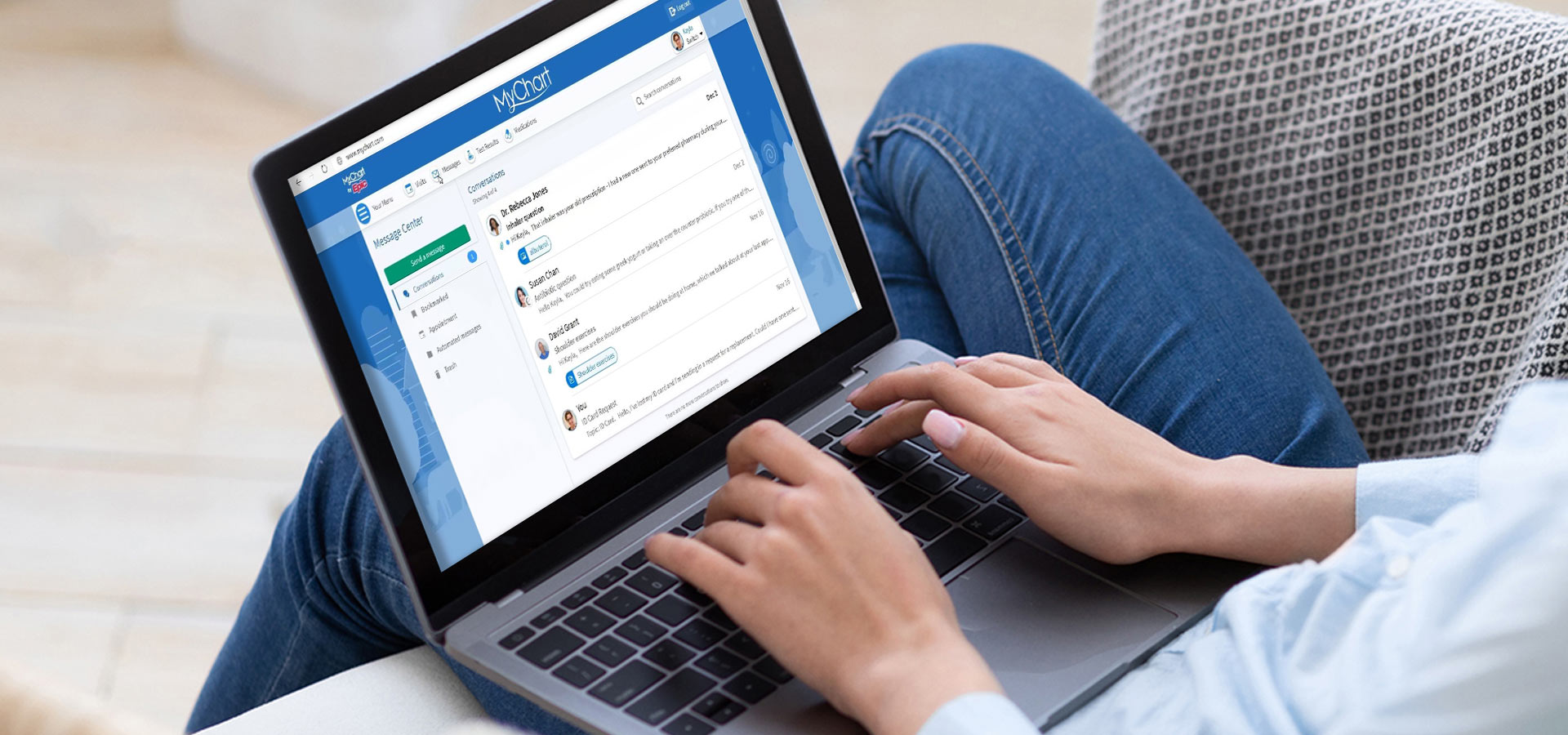
Manage your health with ease. MyChart lets you request prescription refills, view test results, schedule appointments and connect with your care team anytime.
It’s easier to keep track of your healthcare—including medications—with MyChart. MyChart is a service that MetroHealth provides to give you access to your health record. You can set up an account and log in via your computer or by downloading the MyChart app. With the click of a button, you can see lab results, appointment information, current medications, immunization history, and more. Plus, you can schedule appointments and communicate with your medical care team.
Refill a Prescription Online
If you need a refill on a current medication, all you have to do is log into MyChart and make a request. Here’s how:
- Click on the “Medications” menu
- Find the medication you want to refill and click “Request Refill”
- Follow the prompts to refill your medication. Choose the option of picking up a prescription at one of our many MetroHealth Pharmacies OR have the medication delivered to your home—at no additional cost!
Once we receive your request, we’ll process your refill. You may receive email, text message, or mobile push notification alerts to keep track of your prescriptions and when they will be ready/or delivered to you. Keep in mind that you should allow 48 hours for refill requests to be processed—this gives us time to confirm with your provider. If you need a refill sooner, please contact your provider’s office directly.
Get started today.
To have your prescriptions filled by a MetroHealth pharmacy call 216-957-6337(MEDS) or visit one of our many convenient MetroHealth pharmacy locations.
Request refills by logging into MyChart.
Use Home Delivery at no additional cost for ongoing prescriptions.
Need a pharmacy that’s open late in Cleveland? MetroHealth’s 24/7 drive-thru pharmacy is available at our Main Campus Outpatient Health Center. You don’t have to be a MetroHealth patient to have your prescriptions filled at our pharmacies.
You May Also Like
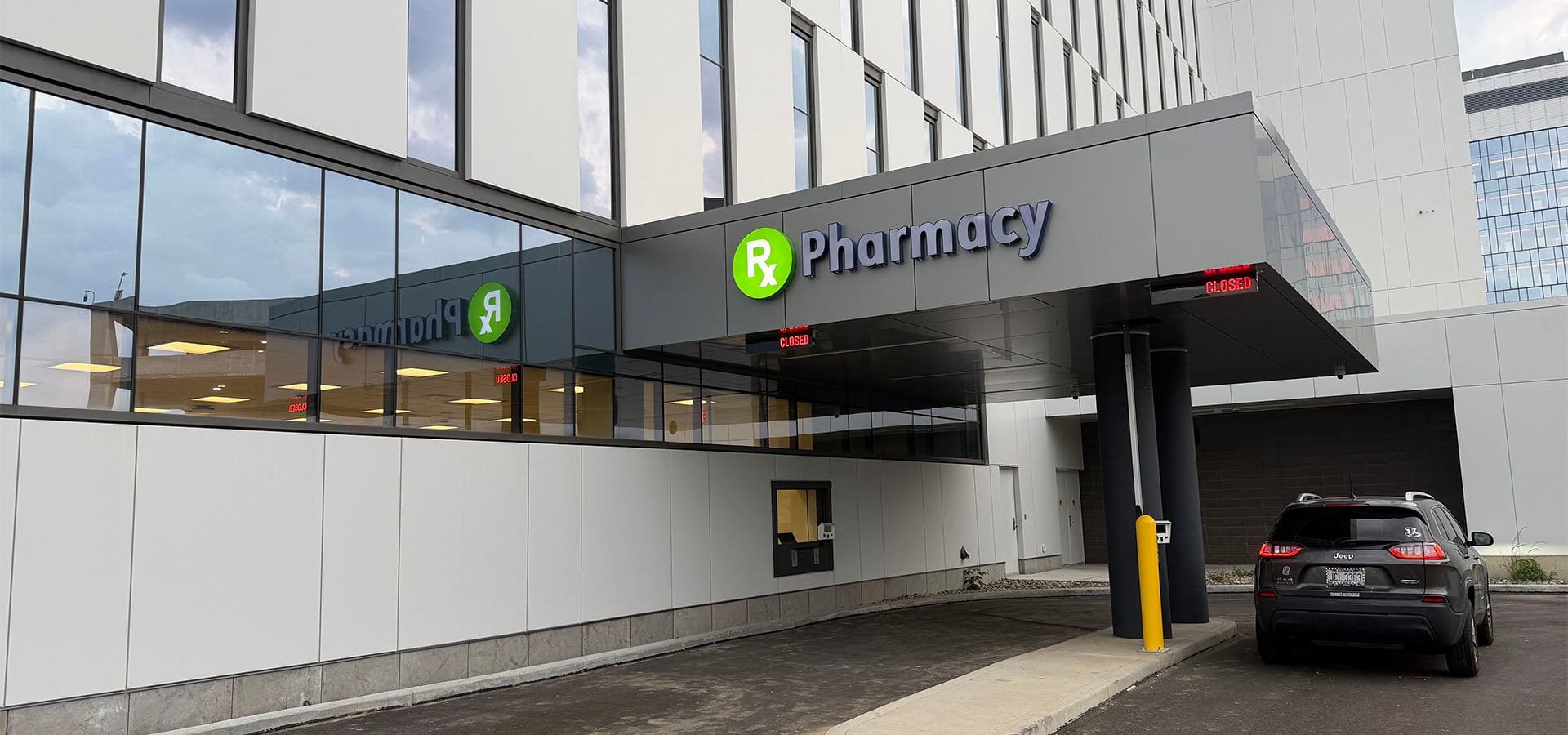
Cleveland's New 24/7 Drive-Thru Pharmacy
Need a pharmacy open after hours? MetroHealth's 24/7 drive-thru pharmacy offers prescription pickup day or night for all Ohio residents.
Ask a Pharmacist: Take Medications with Confidence
Understanding how to properly manage your medications can help you stay on track, avoid complications, and feel more confident in your care.
Did You Get a Flu Shot Yet? Now's the Time!
Have you gotten your flu shot yet? Learn why getting vaccinated now can help protect you and your loved ones this flu season.
The Best Way to Prevent Shingles? A Simple Vaccine
Learn why experts recommend the shingles vaccine and how this preventive step can help you avoid unnecessary pain and discomfort.
Do Blood Thinners Really Thin Your Blood?
Learn how these medicines work, why doctors prescribe them, and how they help lower the risk of dangerous blood clots.

Aaaaaachoooo! Welcome to Spring Allergy Season
Seasonal allergies in Cleveland are getting worse. Learn common symptoms, prevention tips and treatments to help you manage allergy season.

On the East Side? So Are We!
Looking for care on the East Side? Discover MetroHealth locations and services that make it easier to get the care you need close to home.

Your Guide to Blood Pressure Medications
Learn how blood pressure medicines work, why they’re important, and how they can help you stay healthy and lower your risk of heart disease and stroke.

Give Your Immunity a Boost
Give your immune system a fighting chance this winter with these immune-boosting tactics, including a delicious chicken and rice soup recipe.

Flu Season - From Prevention to Treatment, We Have You Covered
It’s sniffle season, so here’s what you need to know when it comes to flu shots and getting the right care when and where you need it – even online.
Stay Connected
Join Our Be SimplyWell Community